Step into the Lesson: Interactive AR Learning in Adobe Aero
22 September 2025
Project Goal
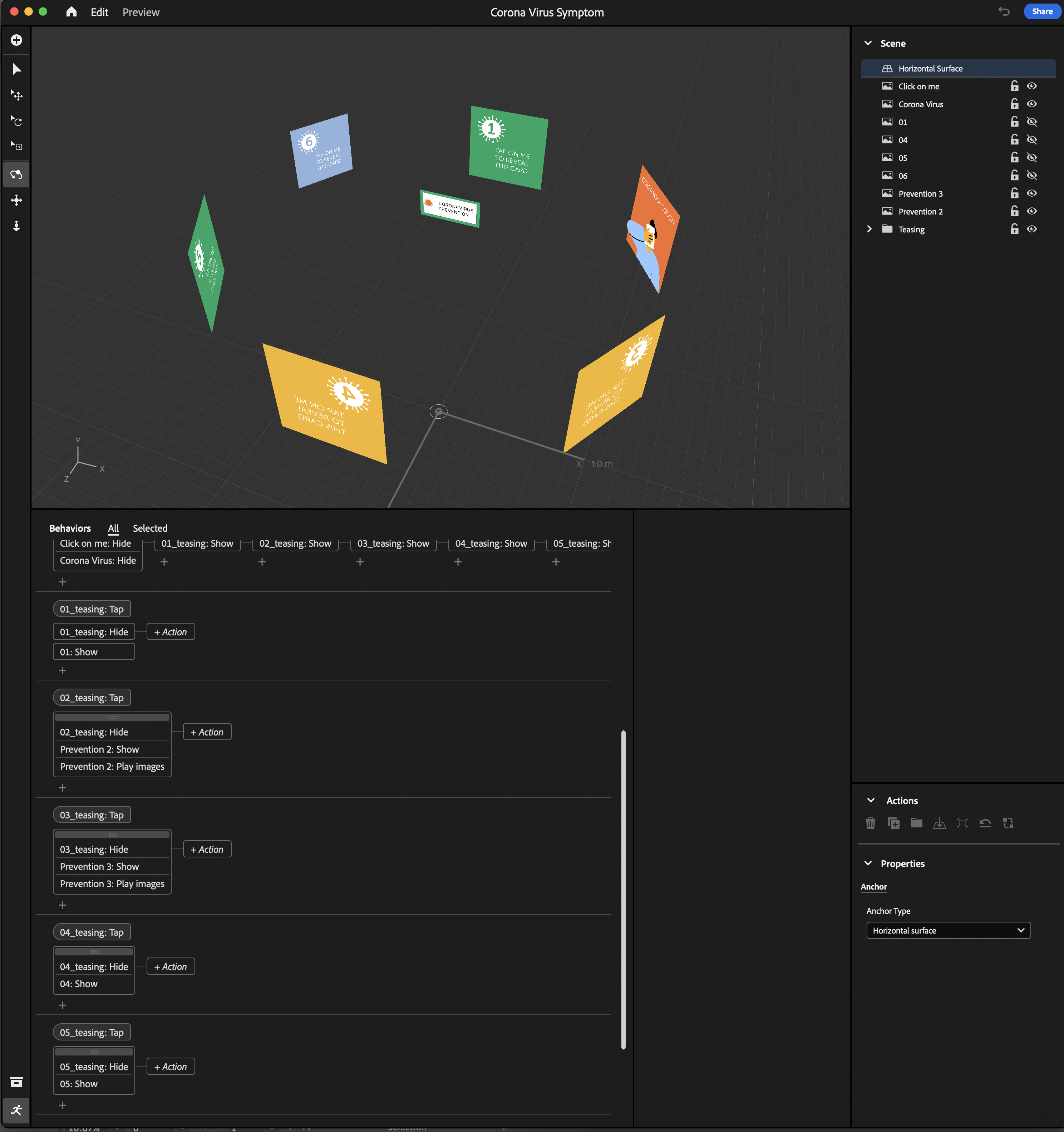
Augmented reality (AR) works best when it seamlessly incorporates virtual objects in a user’s natural, physical environment. Using Adobe Aero, an AR design platform, I set out to explore whether I could create an interactive AR experience that literally “places” information in a 3D space circling the user, allowing them to reveal said info by interacting with floating cards around them. In this practice run, I chose Coronavirus Prevention as the topic, just as a placeholder to test the concept. This format can be adapted for any educational or awareness project.
Project Plan
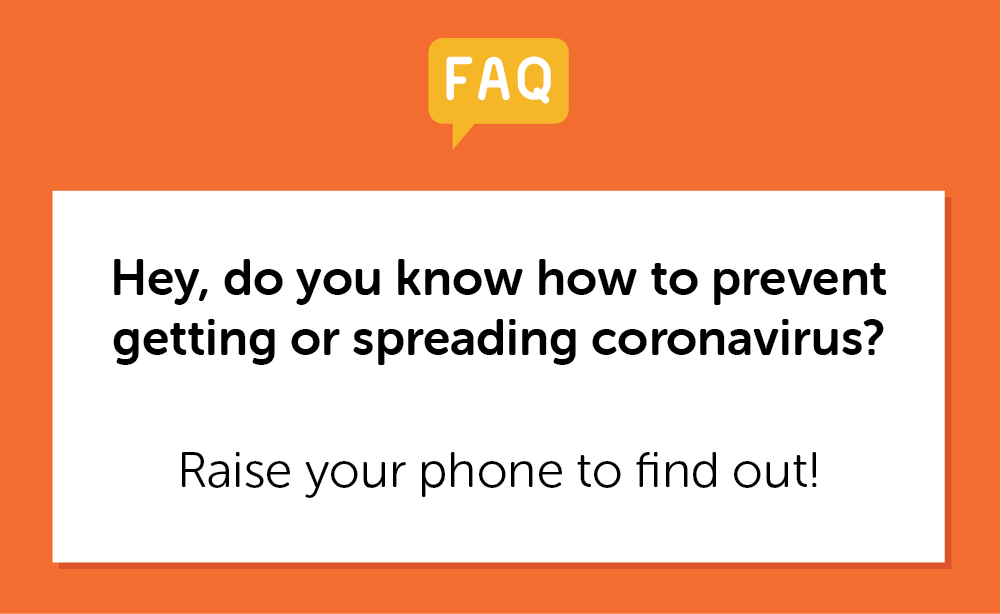
When users scan a QR code, the first card appears on the ground with a guiding question and instructions: “Hey, do you know how to prevent getting or spreading coronavirus? Raise your phone to find out!”

Raising the phone triggers a second card at eye level: “Ready to learn? Tap on me!”
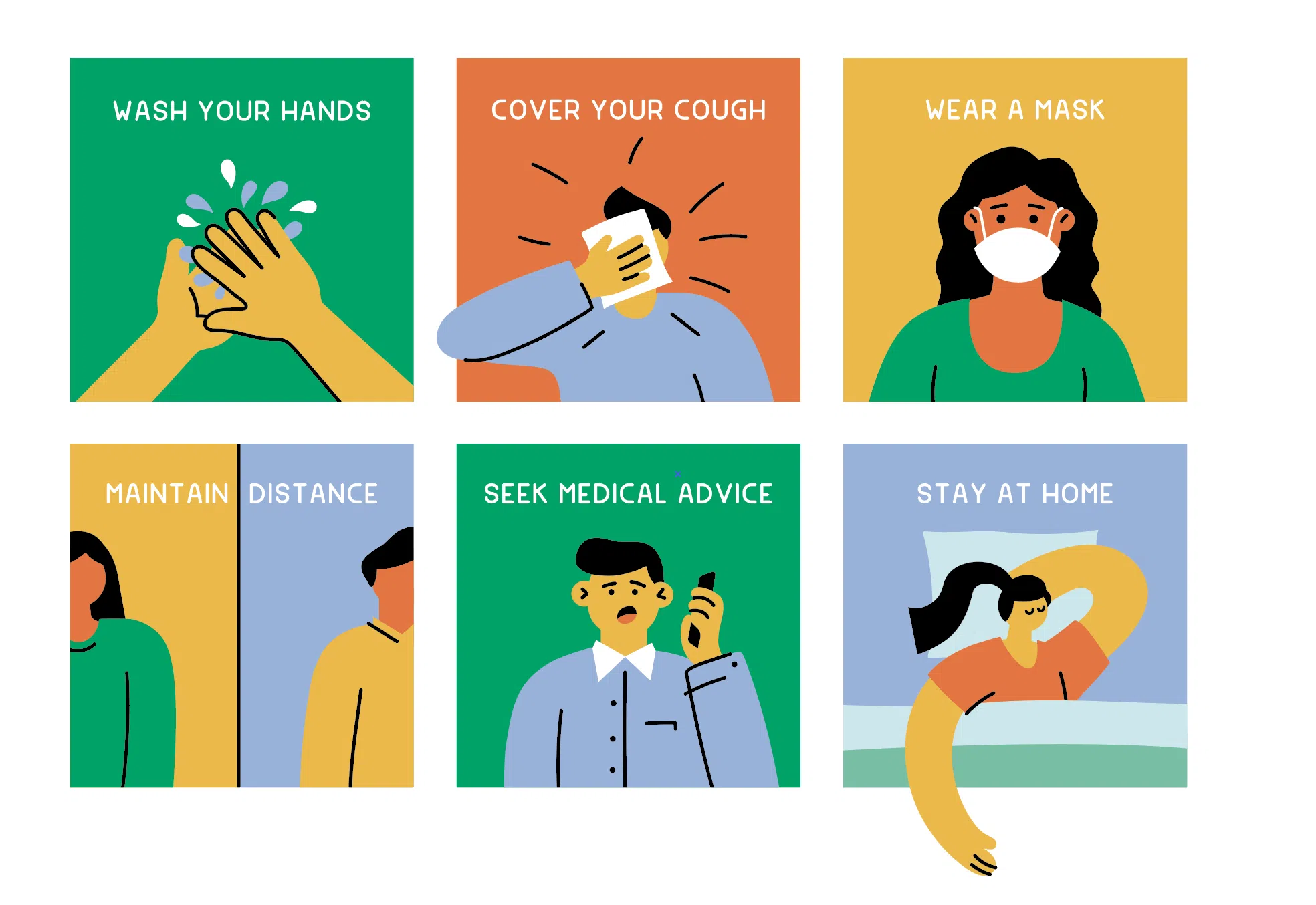
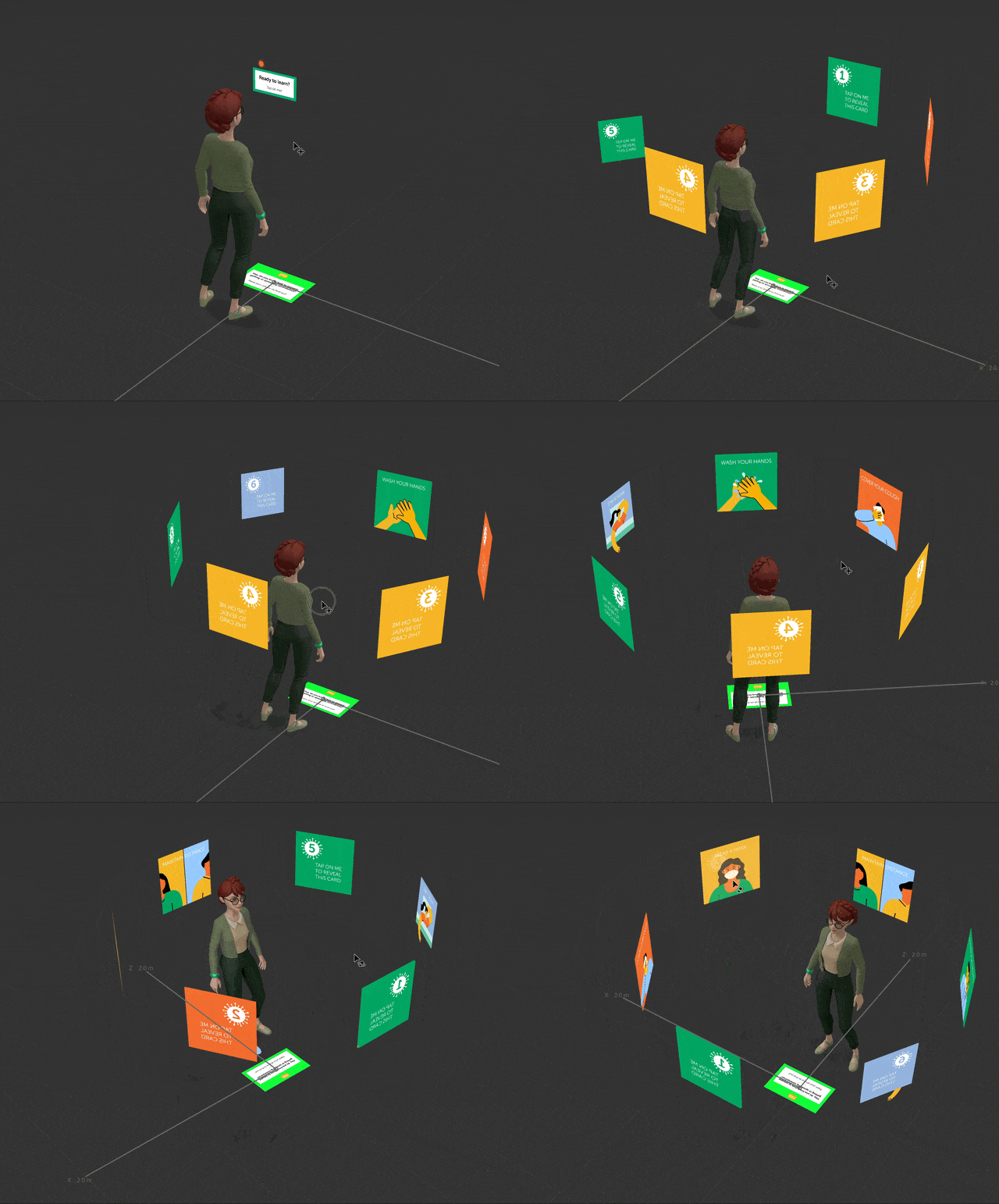
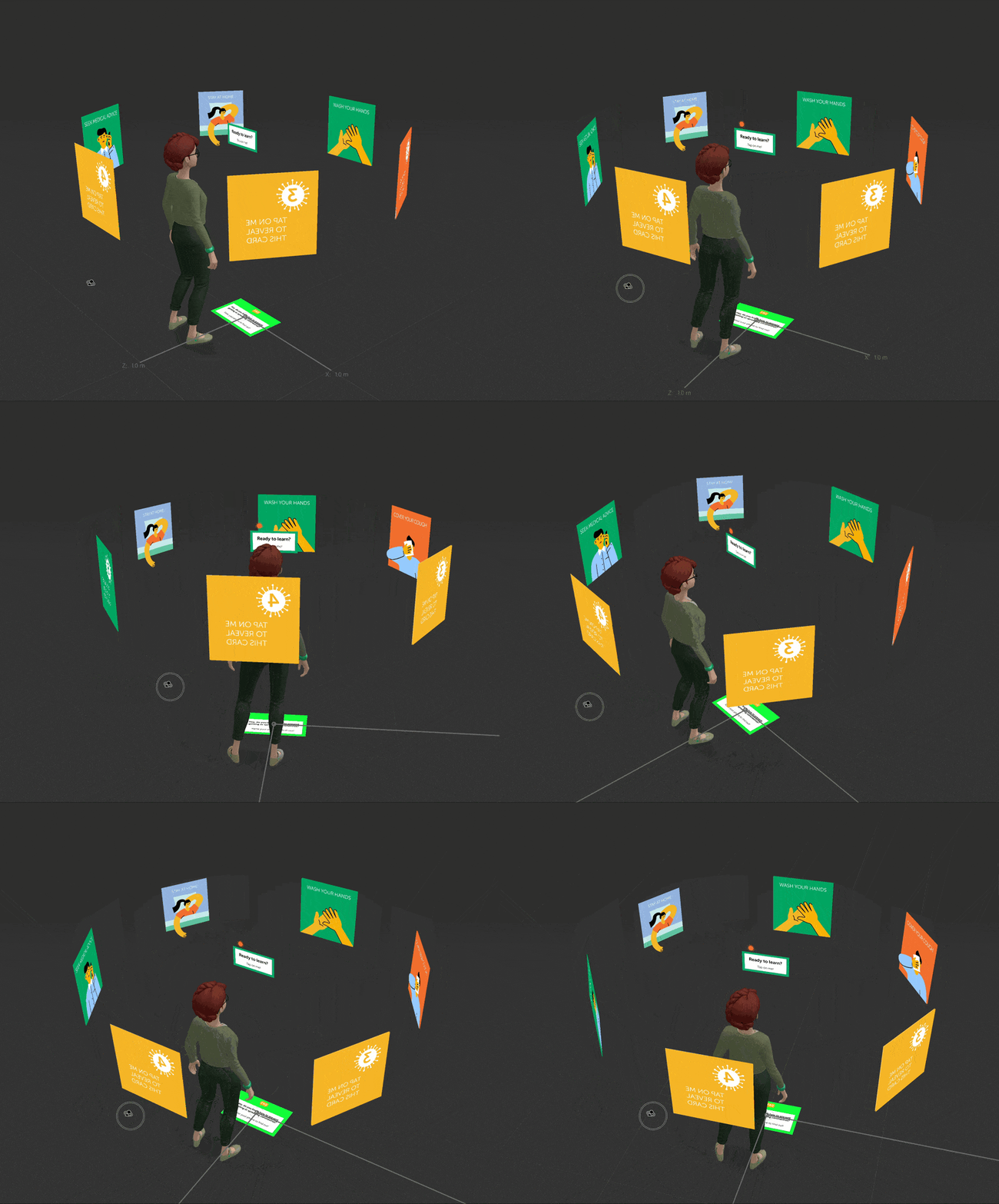
Tapping that card reveals six numbered AR cards arranged in a circle around the user. Each card initially displays: “Tap on me to reveal this card.”

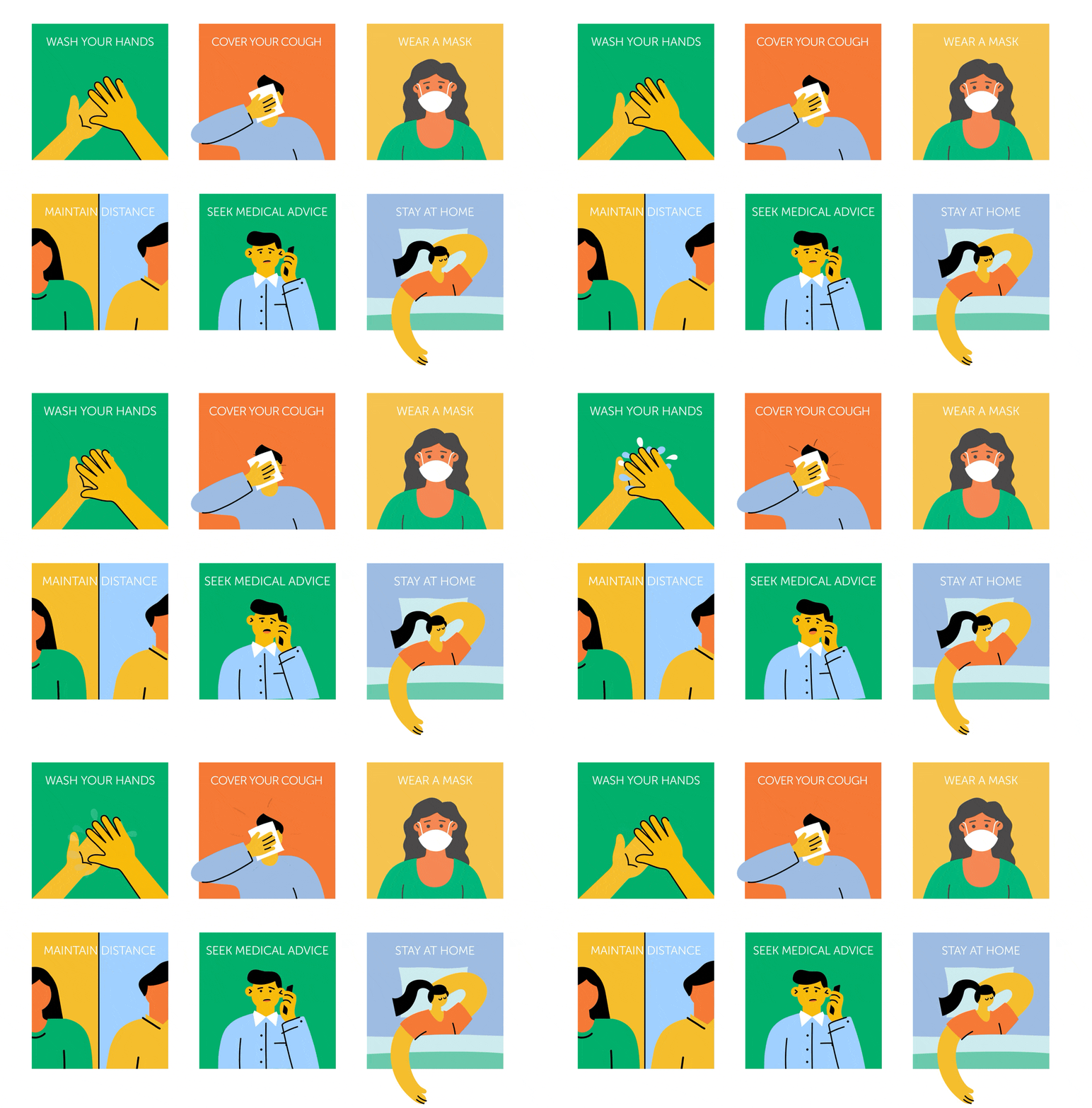
Once tapped, each card fades out to show an illustrated tip with a looping animation and a short description.
Interaction & Spatial Design
The biggest challenge for me in this project was adjusting the height and spacing of the cards so the experience felt natural and easy to view from different angles. To guide placement, I added a character that was 170cm tall into the scene. This helped position the cards at a realistic and comfortable viewing height. I also tested the distance between cards to make sure they weren’t too close or too far apart.
Throughout this process, I learned a lot about spatial planning and user experience in AR. Small adjustments to scale or placement can significantly affect how intuitive and enjoyable the experience feels.
Next Steps
Currently, the project uses placeholder content, but the layout could be applied to a variety of contexts, such as:
- Educational content
- Campaign messaging
- Awareness topics
- Step-by-step interactive explainers
The cards could also be redesigned for health procedures, service navigation, product tips, or animated storytelling. Future iterations might explore additional interactivity, dynamic animations, or more complex user journeys.
Result
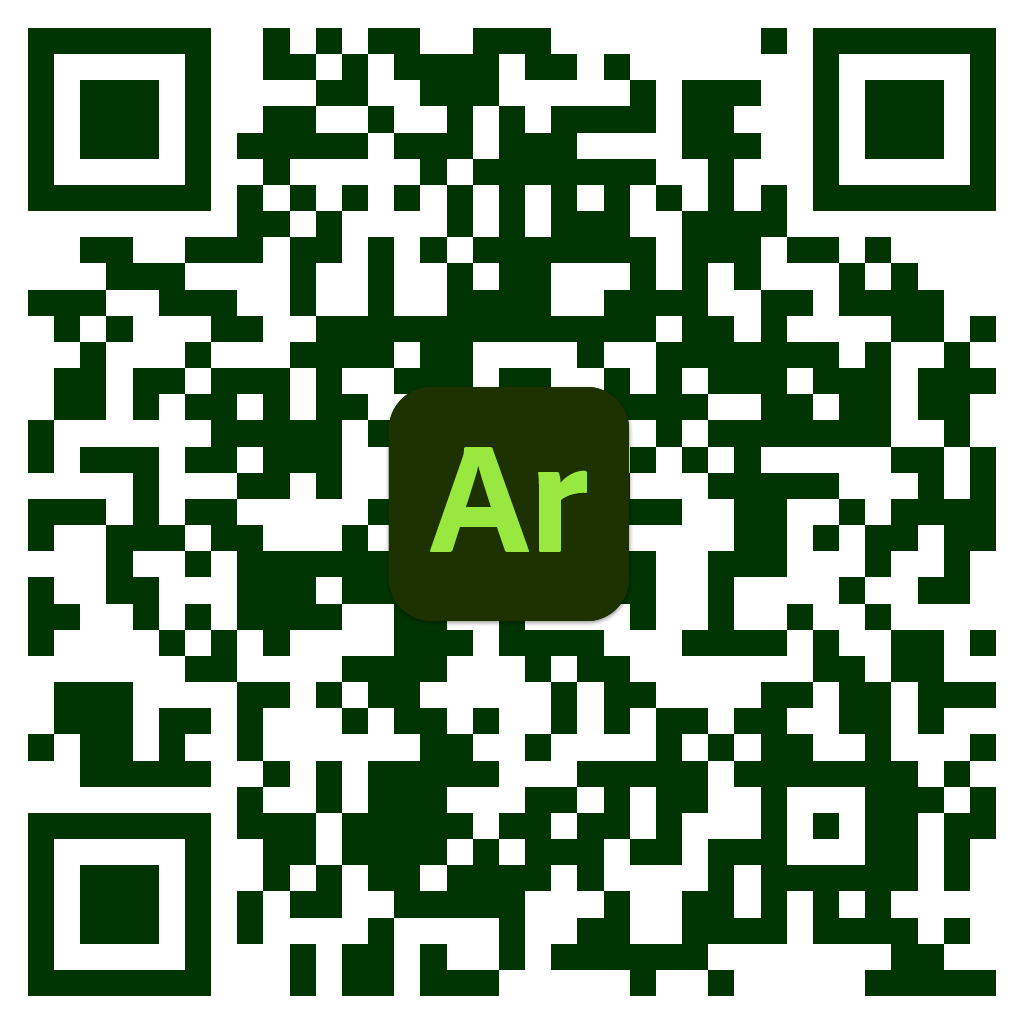
You can watch the project here, or scan the QR code to try it yourself.