All Eyes on You: Building a Cursor-Following, Interactive Grid in Rive
23 September 2025

I recently spent a few days exploring Rive, a design tool used to build real-time motion graphics and animations. Inspired to create an interactive motion design piece, I set out on a personal project that started with a half-day discovery session, followed by a full day of development, and later several more working days to bring it to its current stage.
Project Goal
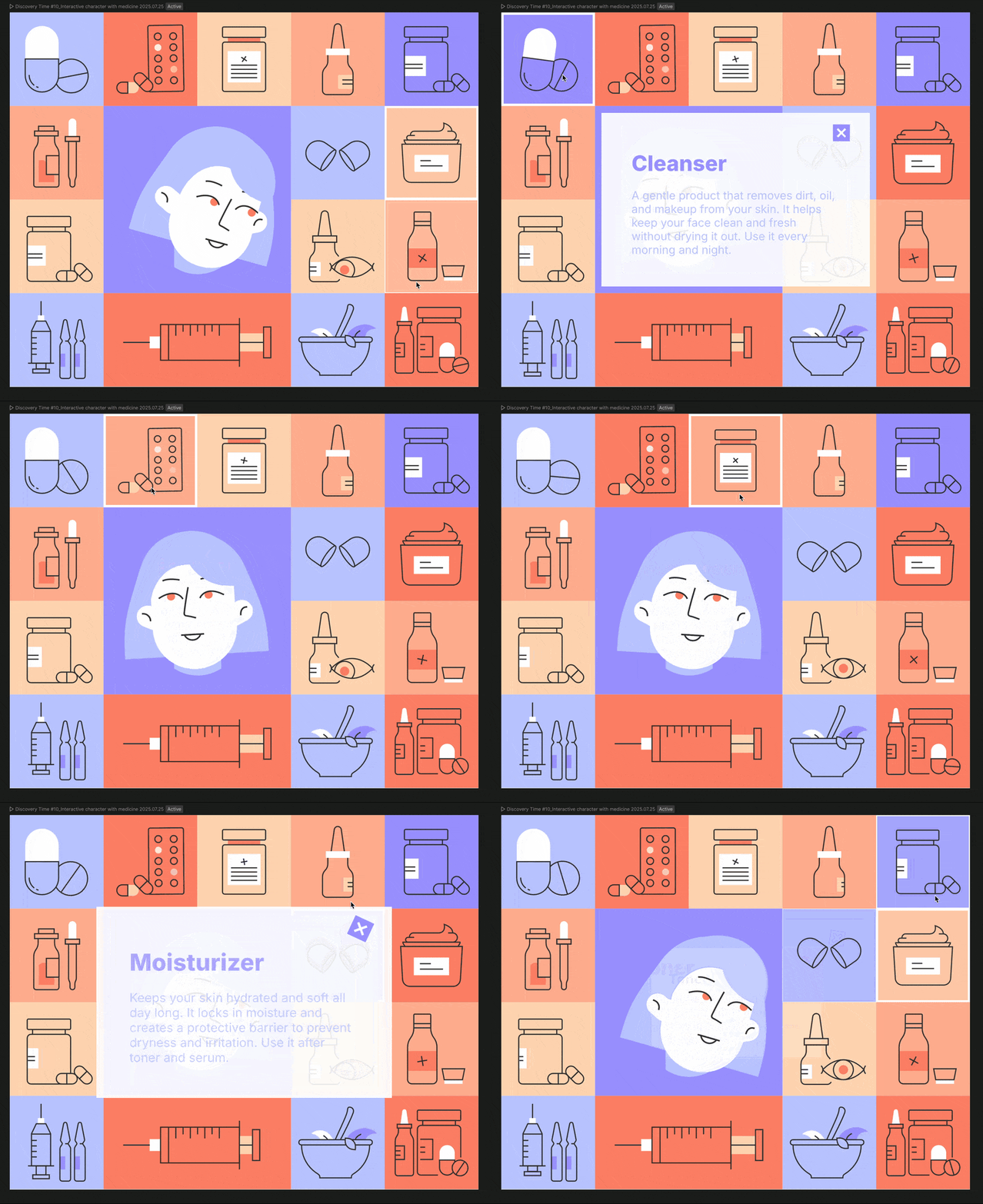
My aim was to create an animation that offered something more than just motion for the sake of motion — it needed to be both eye-catching and informative. After learning a new face mouse-tracking technique, I wanted to test it in practice. While browsing iStock, I came across a grid-style layout of skincare icons which caught my eye, and I adapted the idea by designing a central character in the same style, surrounded by 14 icons.
Project Plan
-
-
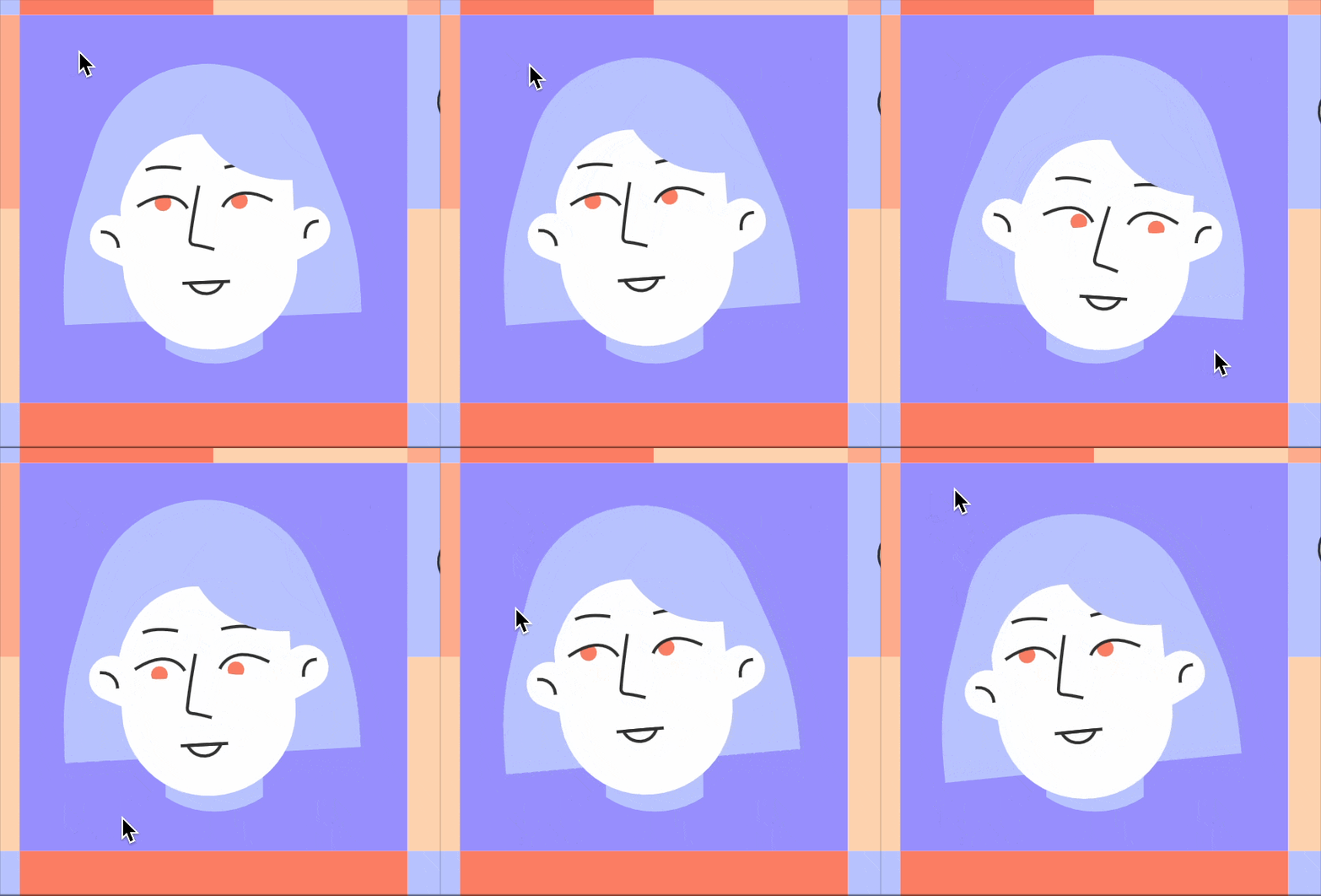
- Add mouse tracking for the character’s face.
- Add idle animation for the face (head movement + blinking).
- Animate all 14 surrounding icons across three states:
- Idle
- Hover
- Click
- When a user clicks an icon:
- The icon animates.
- A pop-up box appears with product information.
- Add sound effects for hover and click interactions.
-
Current Progress
The project isn’t finished yet, but here’s what’s working so far:
✅ Mouse tracking and idle animations for the central character
✅ Idle and hover animations for all 14 icons
✅ Click animations and pop-up information panels for six icons
✅ Sound effects across all interactions
The icons and product information are placeholders for now, but the structure allows them to be swapped easily for any brand or product information.
State Machine Logic & Challenges
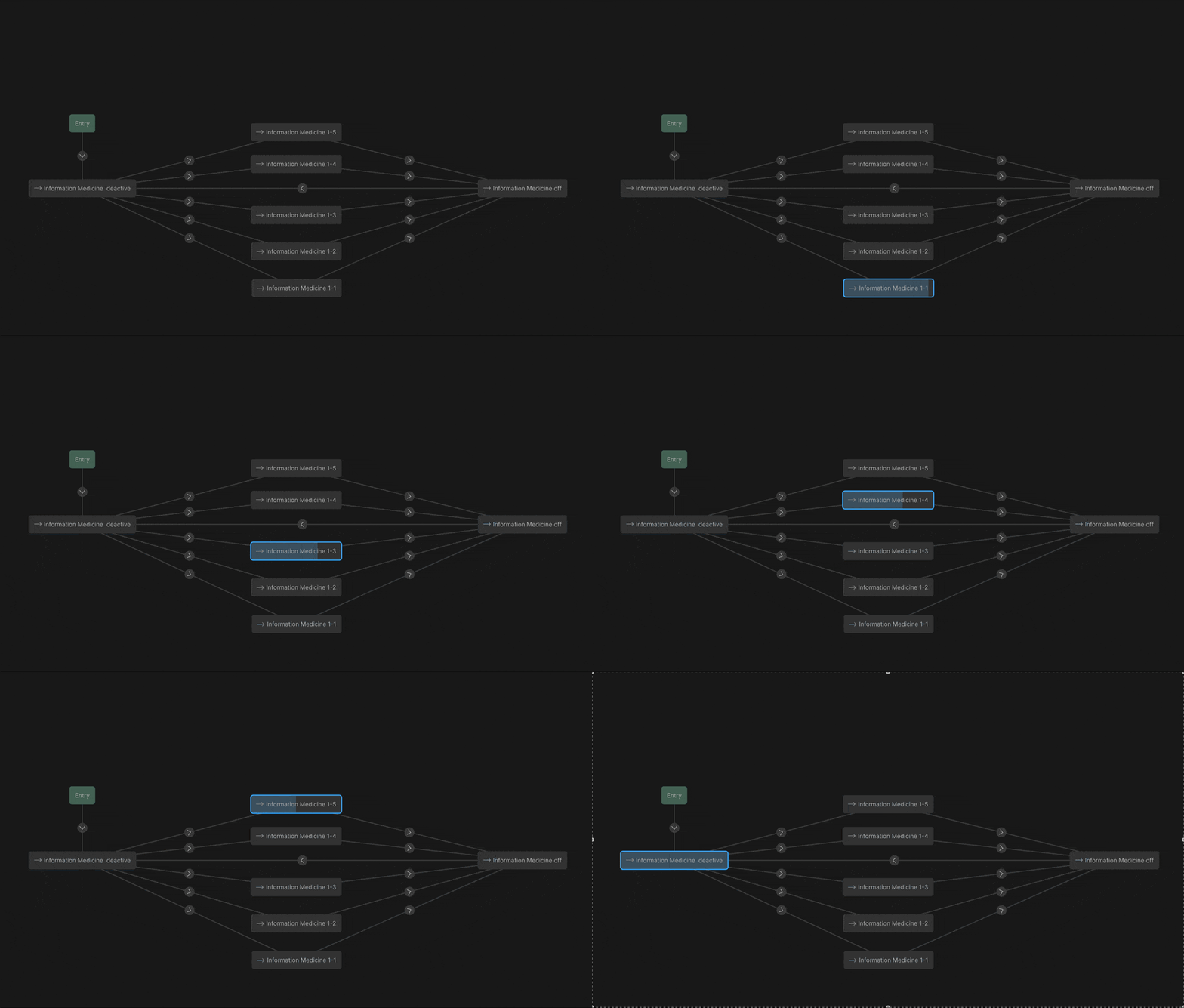
The most significant challenge in this project was figuring out the state machine logic to balance complexity and usability, ensuring smooth interaction. This involved deciding how elements should connect, determining the number of inputs and listeners required, and linking them so hover and click states worked together.
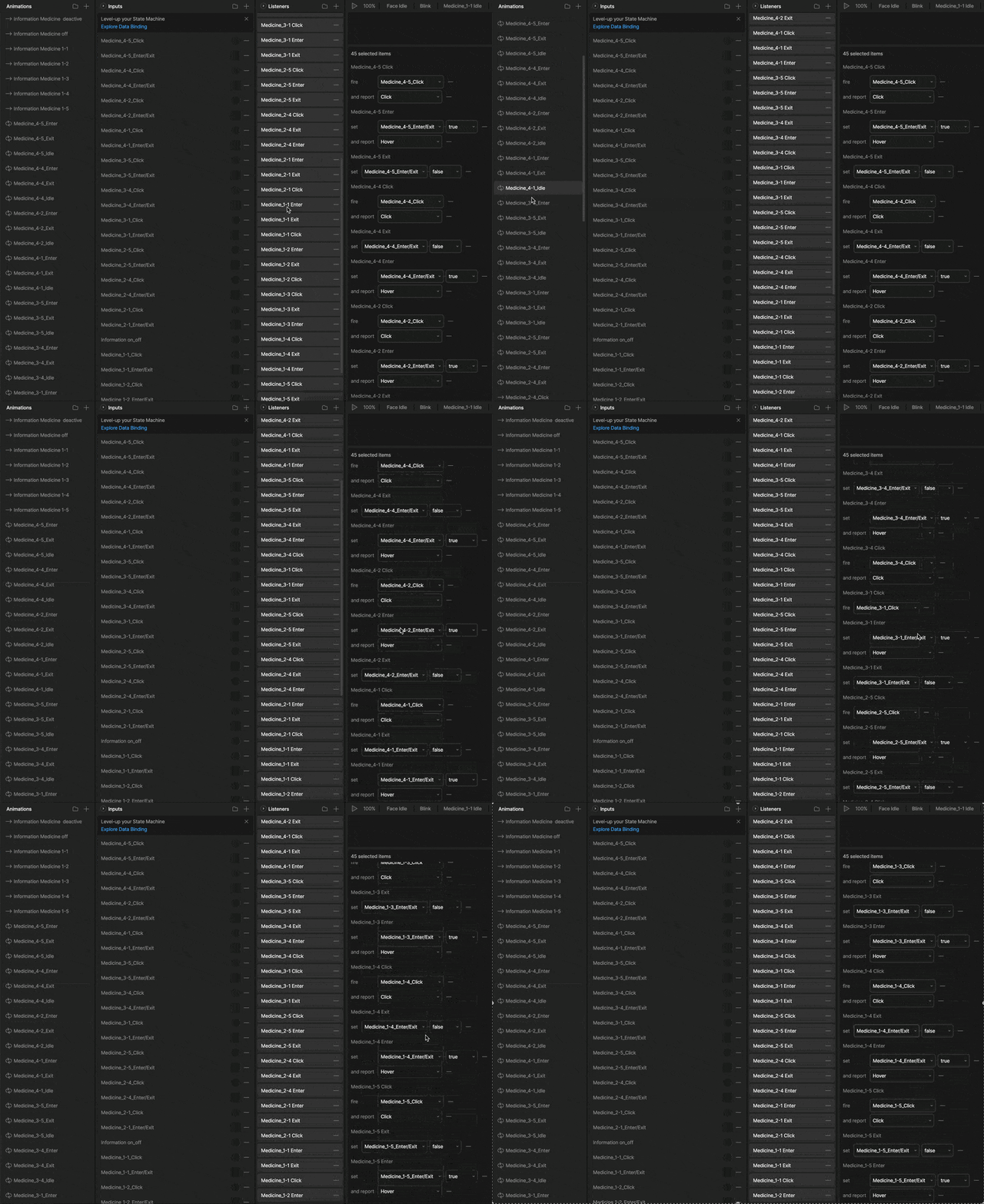
At this stage, the project includes:
- ~70 animation timelines
- 31 inputs
- ~44 listeners
Without folder organisation in Rive’s free plan, keeping everything organised was a challenge. Clear naming conventions were essential for tracking and troubleshooting.
Next Steps
Currently, the top five icons can be clicked to open a pop-up panel, but the panel must be closed before another can be selected. The next steps will be adding new state machine connections so users can switch between icons more smoothly.
Result